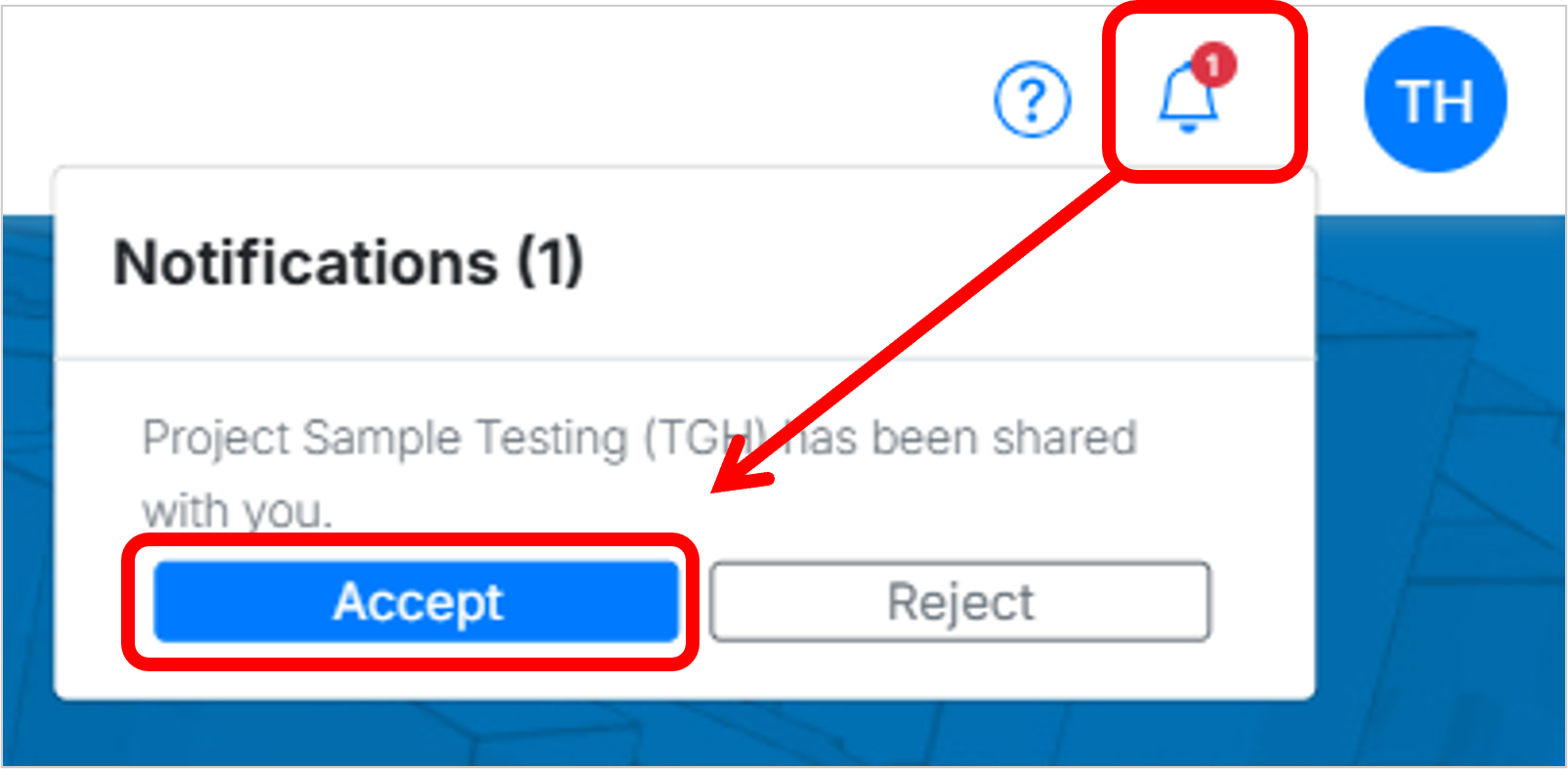
Go to the notification bell icon in the top-right corner of the project dashboard. There, you can Accept or Reject the shared project. Once accepted, it will appear in your dashboard.
For additional instructions, please visit Accessing a Shared Project.